1. How do I start a Japanese Walking workout?
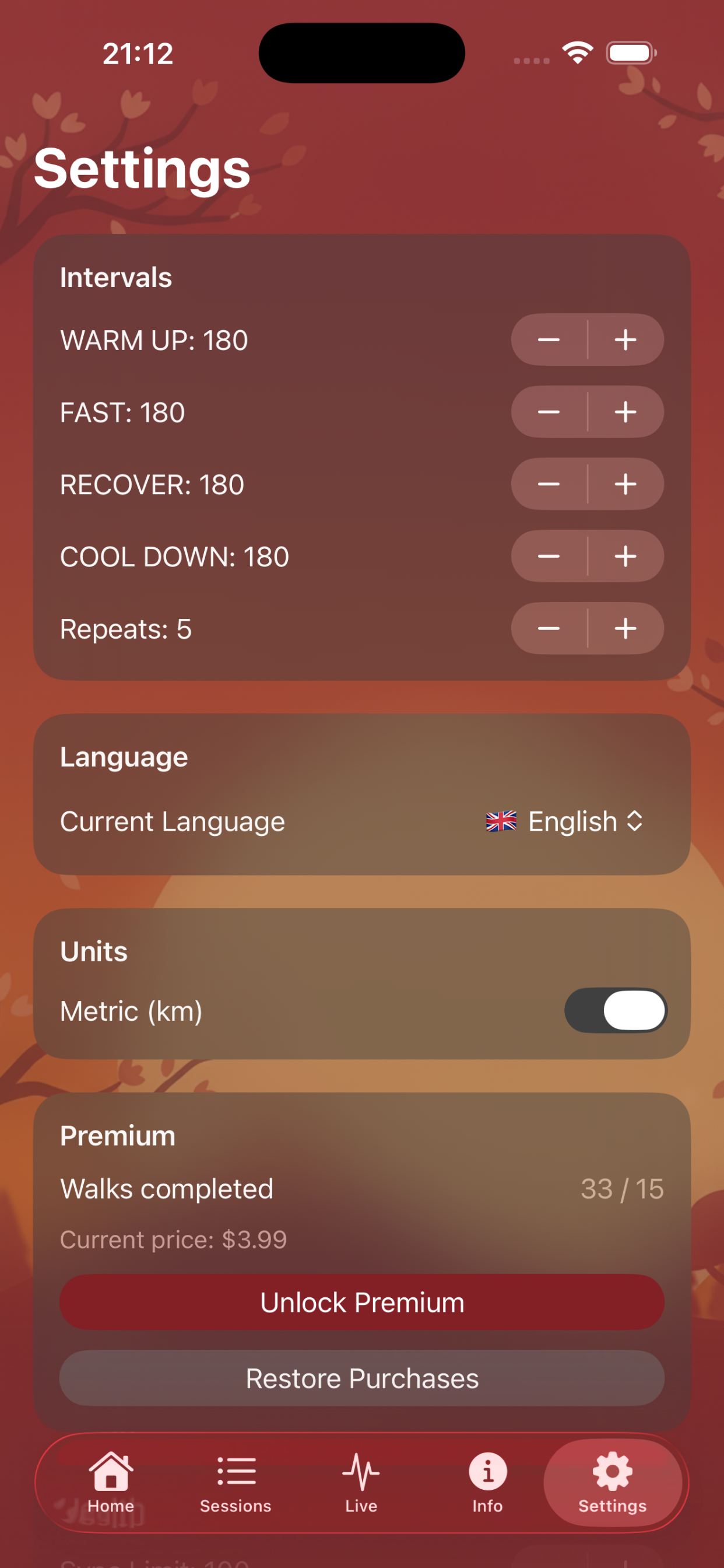
Open the app on Apple Watch, choose a plan, and tap Start. You can also adjust durations and repetitions in Settings beforehand.
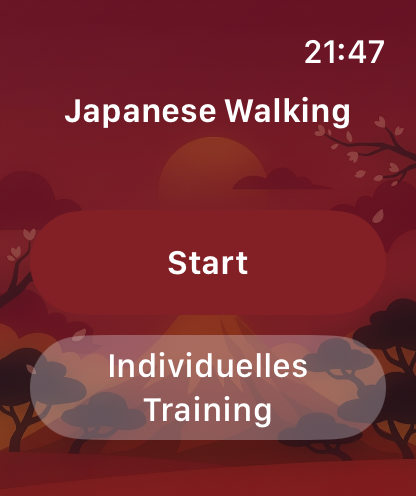
Structured interval walking for iPhone & Apple Watch
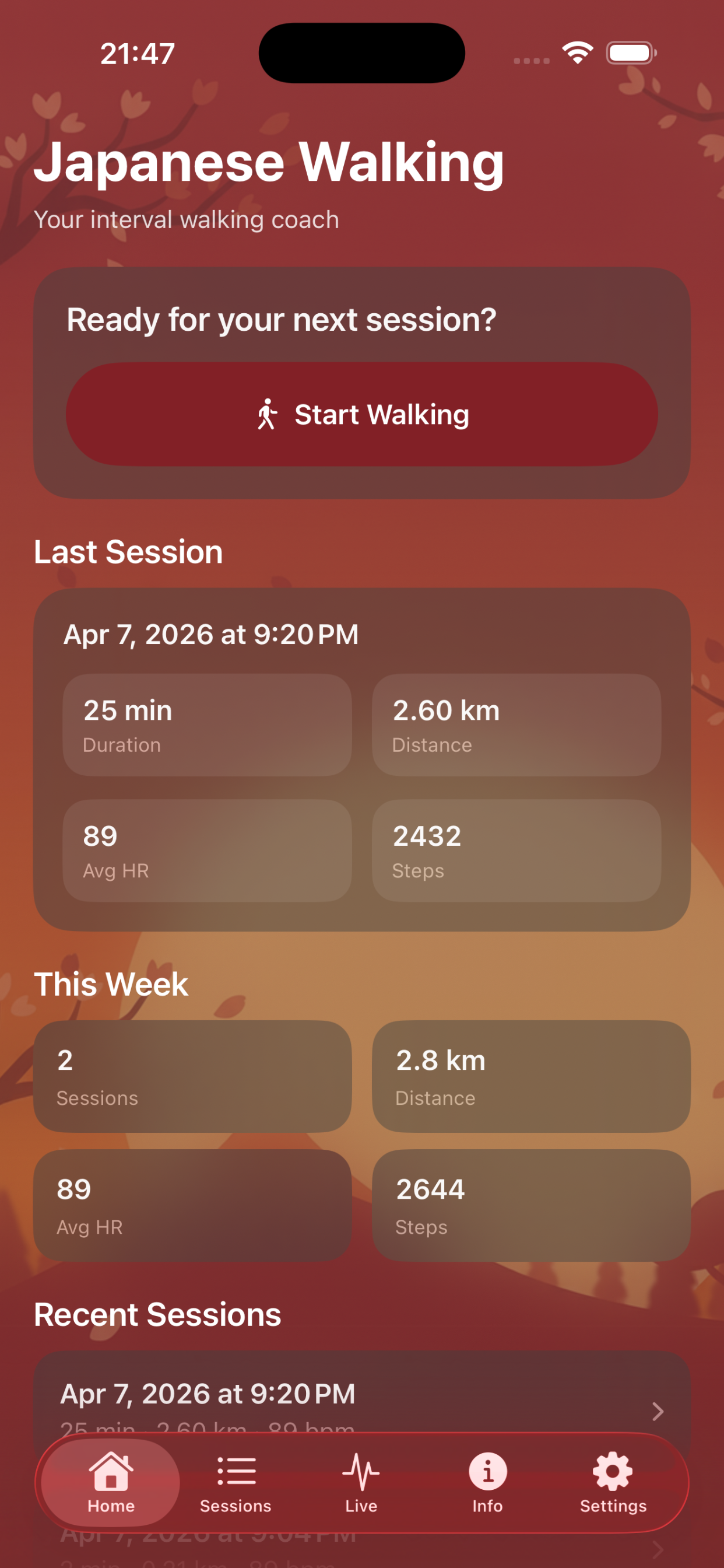
Japanese Walking Coach guides you every step of the way: Your Apple Watch leads you through fast and slow intervals, while your iPhone displays statistics and training history in a clear overview.
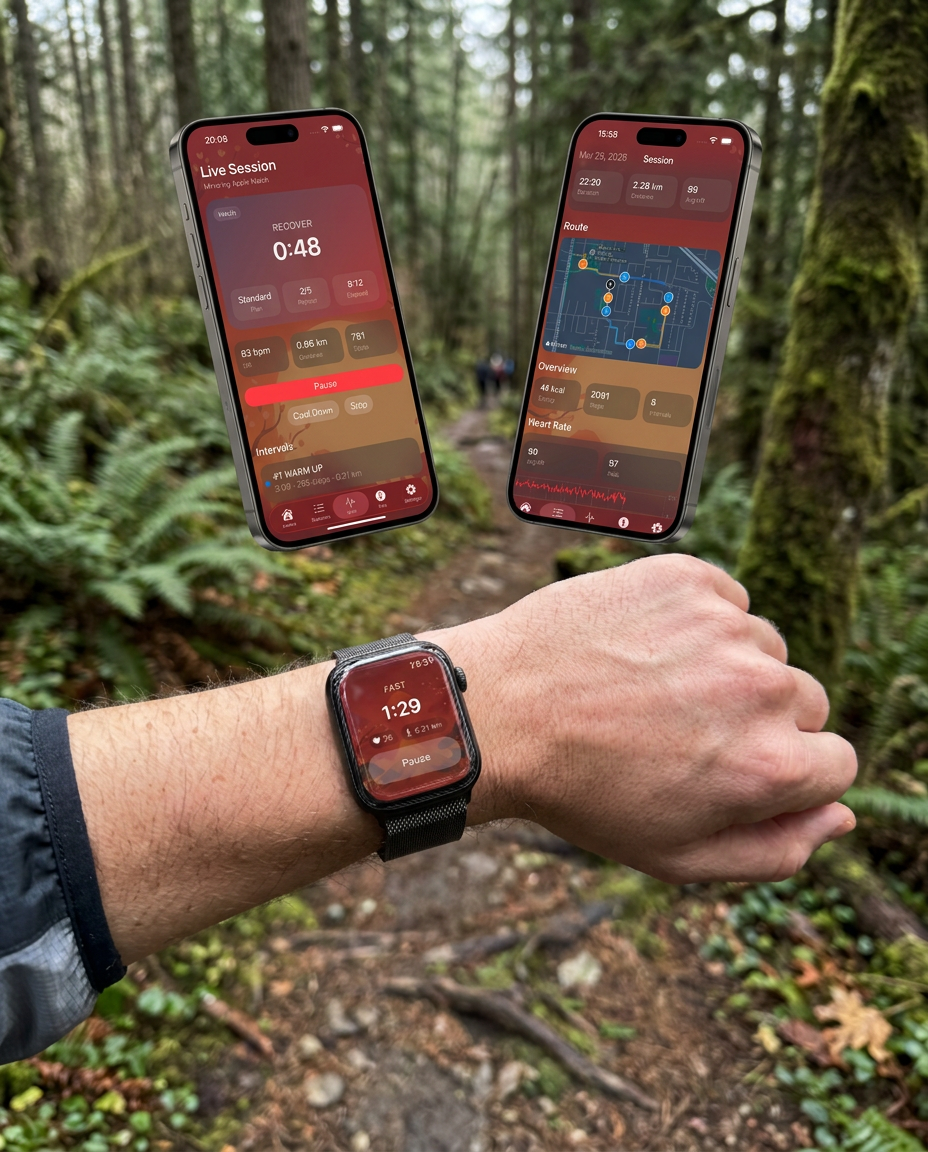
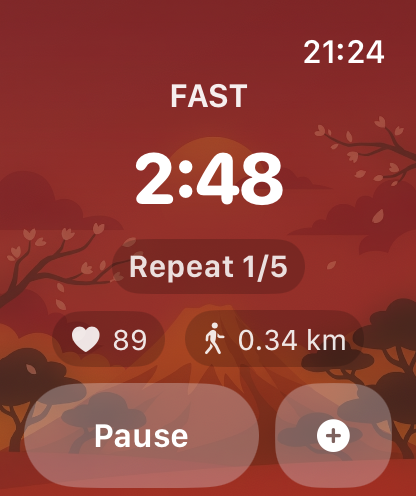
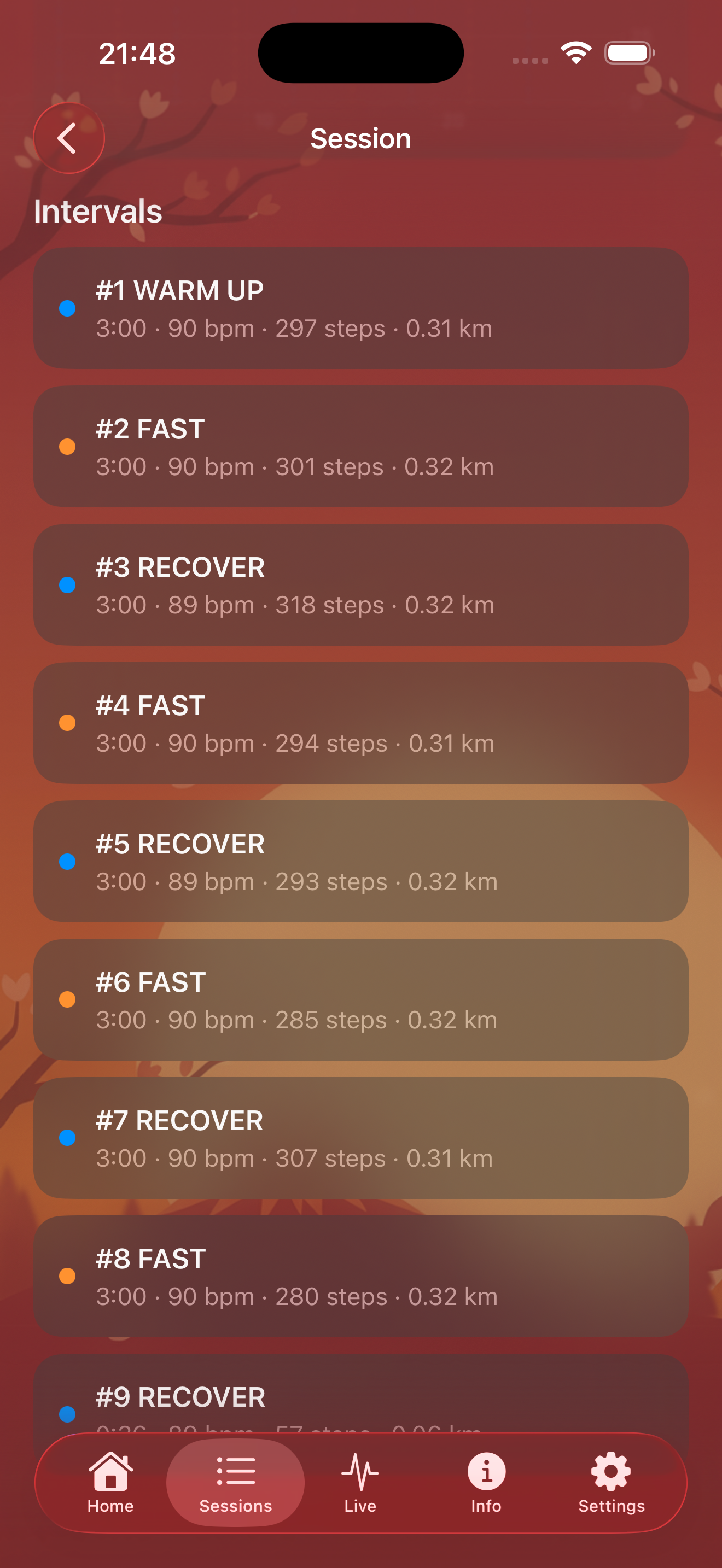
Your Apple Watch sets the pace: fast and slow phases with configurable durations and repetitions.
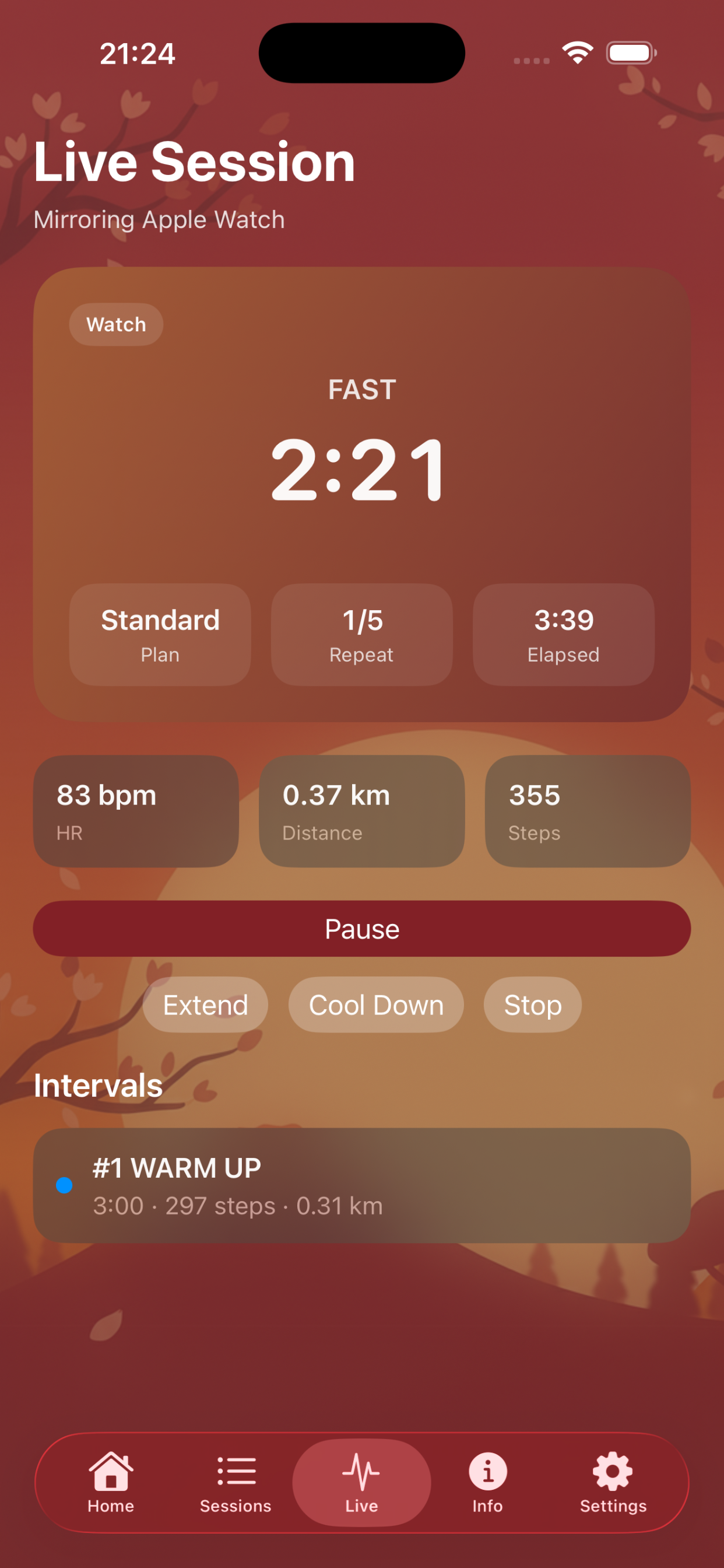
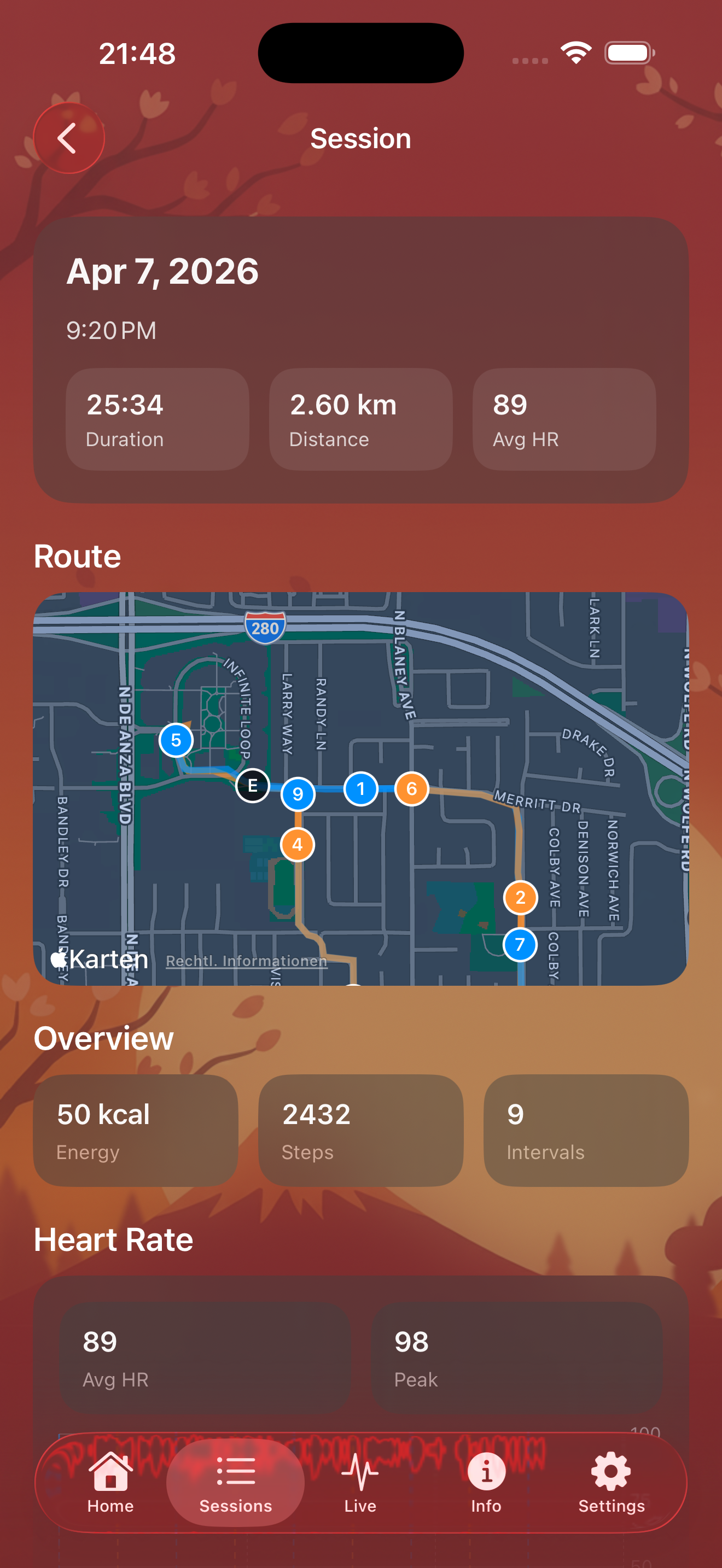
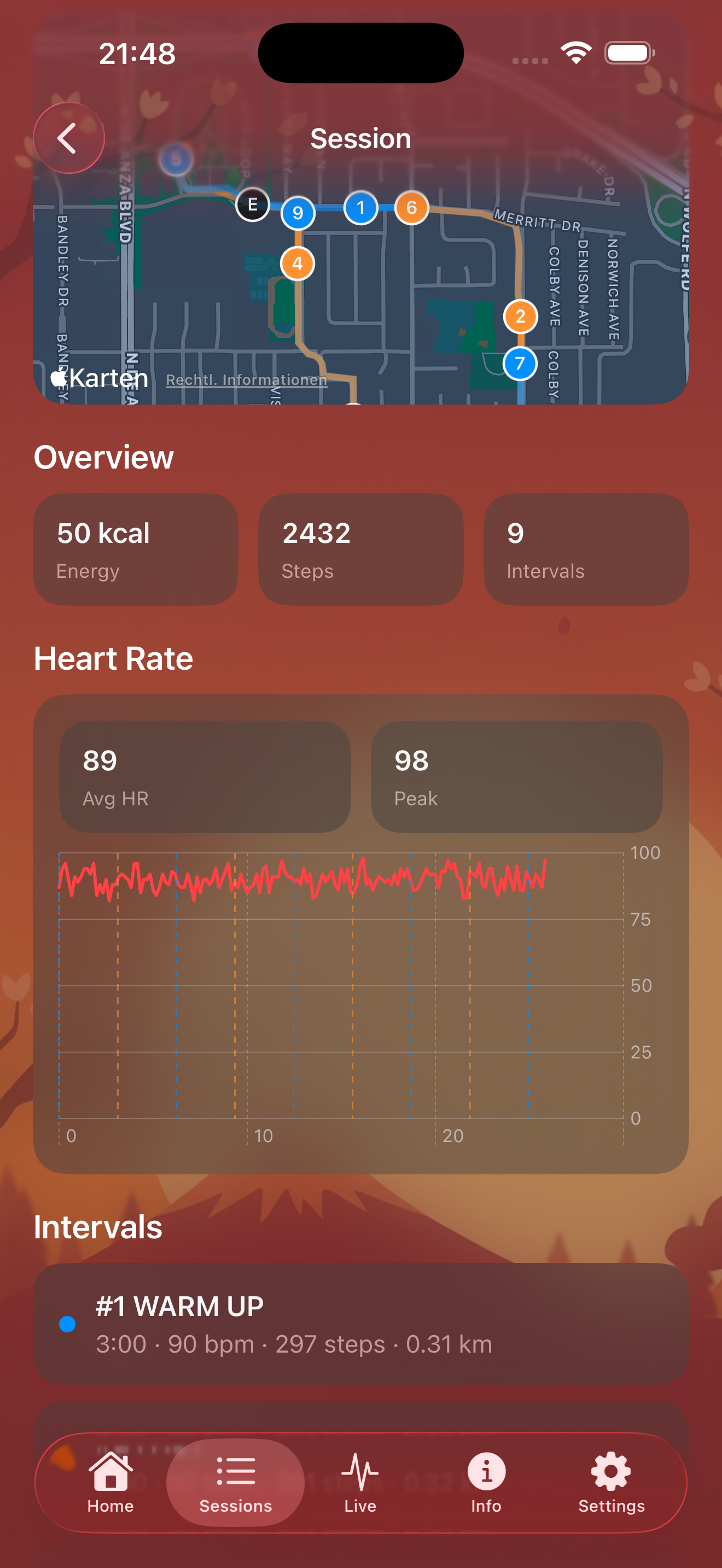
Heart rate, distance, calories, steps and route – all at a glance on your iPhone.
Create your own interval plans or use the presets – from beginner to advanced.
Workouts are automatically saved to Apple Health. Your health data always stays local on your device.
Follow your active workout in real time on your iPhone – thanks to seamless Watch connectivity.
Available in English, German, Italian, French, Spanish, Polish, and Russian.
The most common questions about starting workouts, using the Apple Watch flow, and reviewing results on iPhone.
Open the app on Apple Watch, choose a plan, and tap Start. You can also adjust durations and repetitions in Settings beforehand.
Your watch guides you step by step through each phase. You always see clearly whether warm-up, fast walking, or recovery is active.
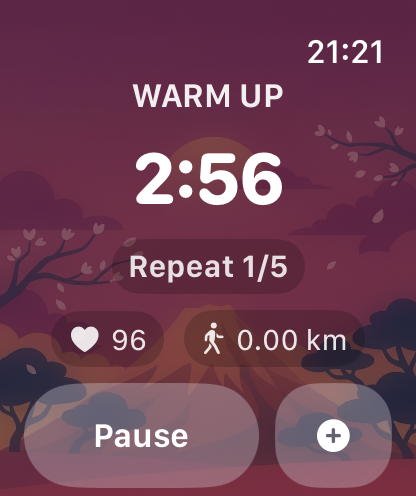
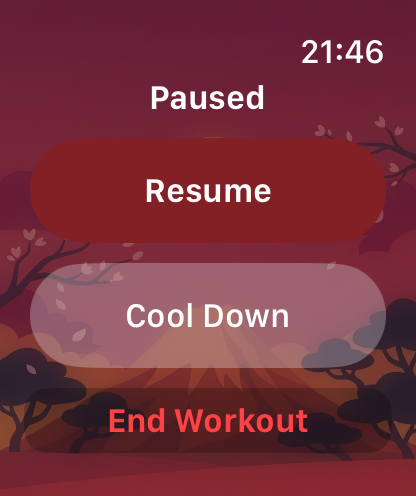
Yes. During a session, you can pause on Apple Watch and resume later. This makes it easy to adapt to everyday interruptions.
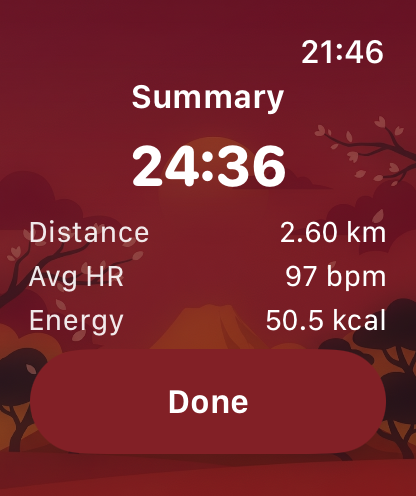
After saving, the session appears in your iPhone history. There you can review distance, duration, heart rate, calories, and more.
No. The app uses Apple HealthKit locally on your devices. There is no tracking and no transfer of health data to external servers.
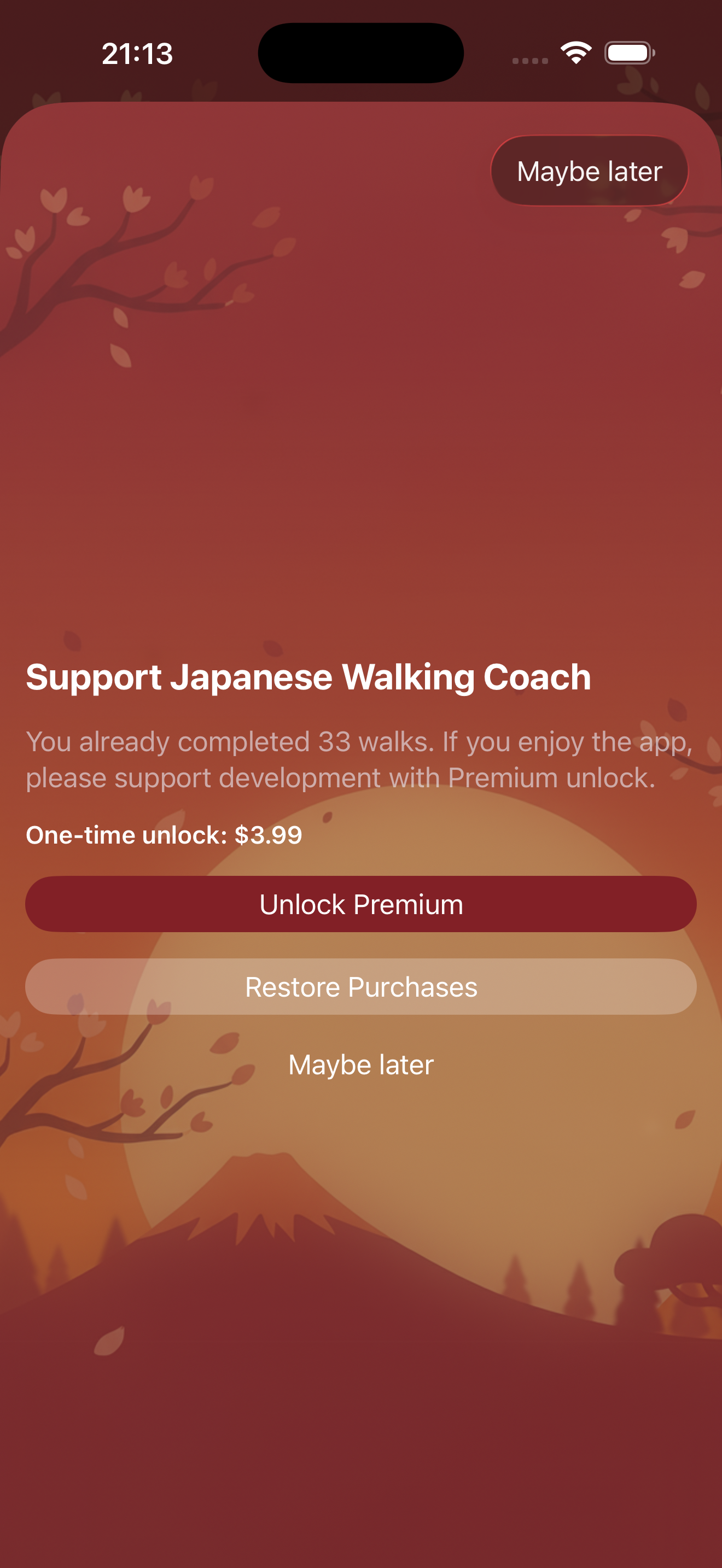
Yes, the app is free. After 15 workouts, a friendly prompt asks whether you would like to support the developer. You can dismiss it, and the app remains fully free to use.

Feel free to email japanesewalkingcoach@gmail.com. Feedback, ideas, and feature requests are always welcome.
Japanese Walking Coach stores no health data on external servers. All workout and health data remains exclusively on your iPhone and Apple Watch – in Apple HealthKit. No data is transmitted to third parties. No tracking, no analytics, no cloud.
Read Privacy Policy →Japanese Walking (also known as Interval Walking Training) is a scientifically backed training method developed at Shinshu University in Japan. You alternate between brisk walking and easy recovery walking.
Greater training stimulus per time unit through the interval structure.
Significantly lower impact than jogging – ideal for long-term use.
From beginners to experienced athletes – intervals can be individually adjusted.